Add new items
Export swords, pickaxes and food as .mcaddon files. Set a name, stats and a two-ingredient crafting recipe. Swords and pickaxes can also start with selected enchantments.
 Sketch Item Workshop
 is a web tool that turns your drawings and photos into item files for Minecraft Bedrock Edition. Choose the appearance, name, stats and crafting ingredients for swords, pickaxes and food.
Start with four free exports. Before purchasing, check that your finished pack works in your copy of Minecraft.
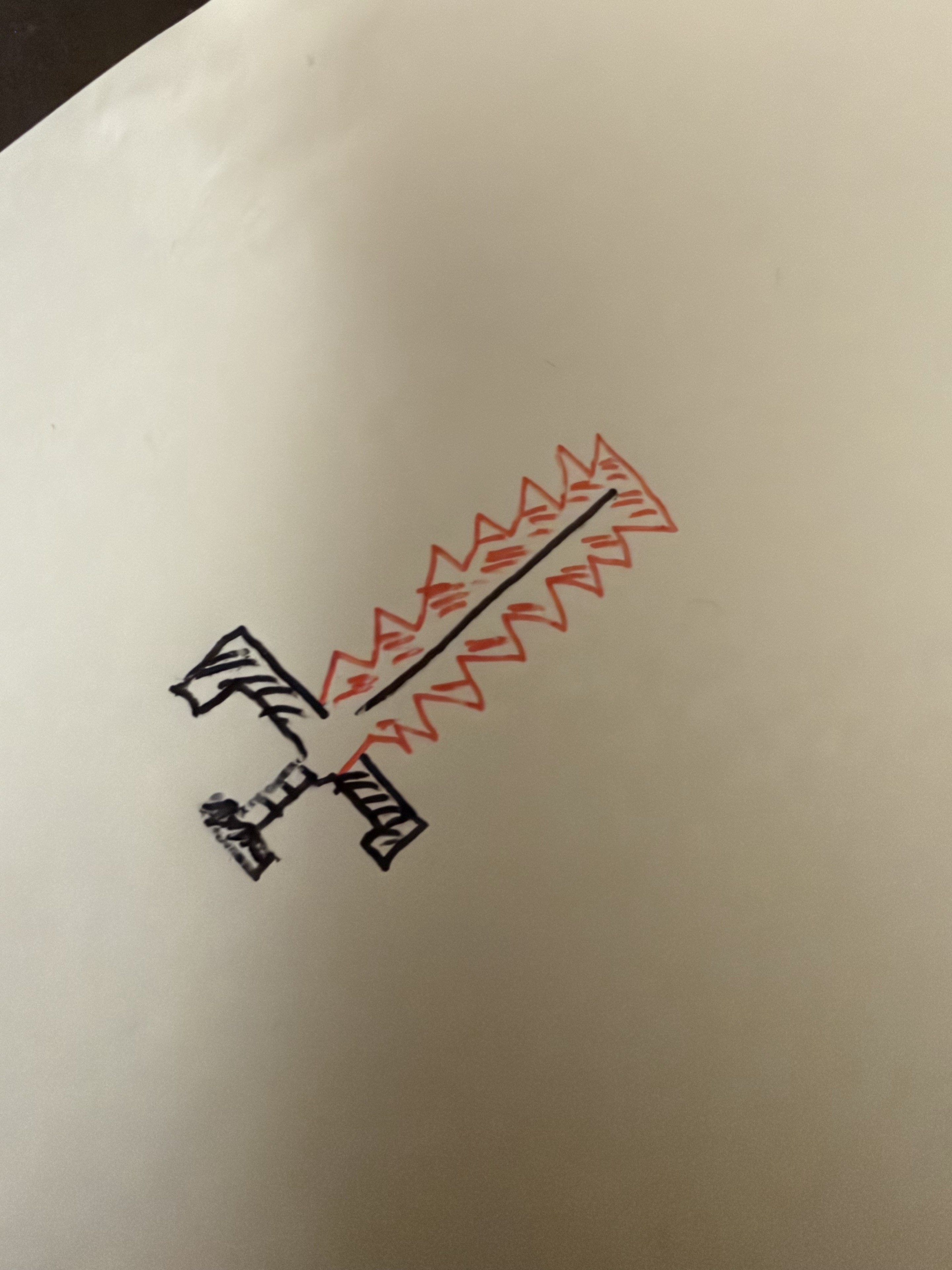
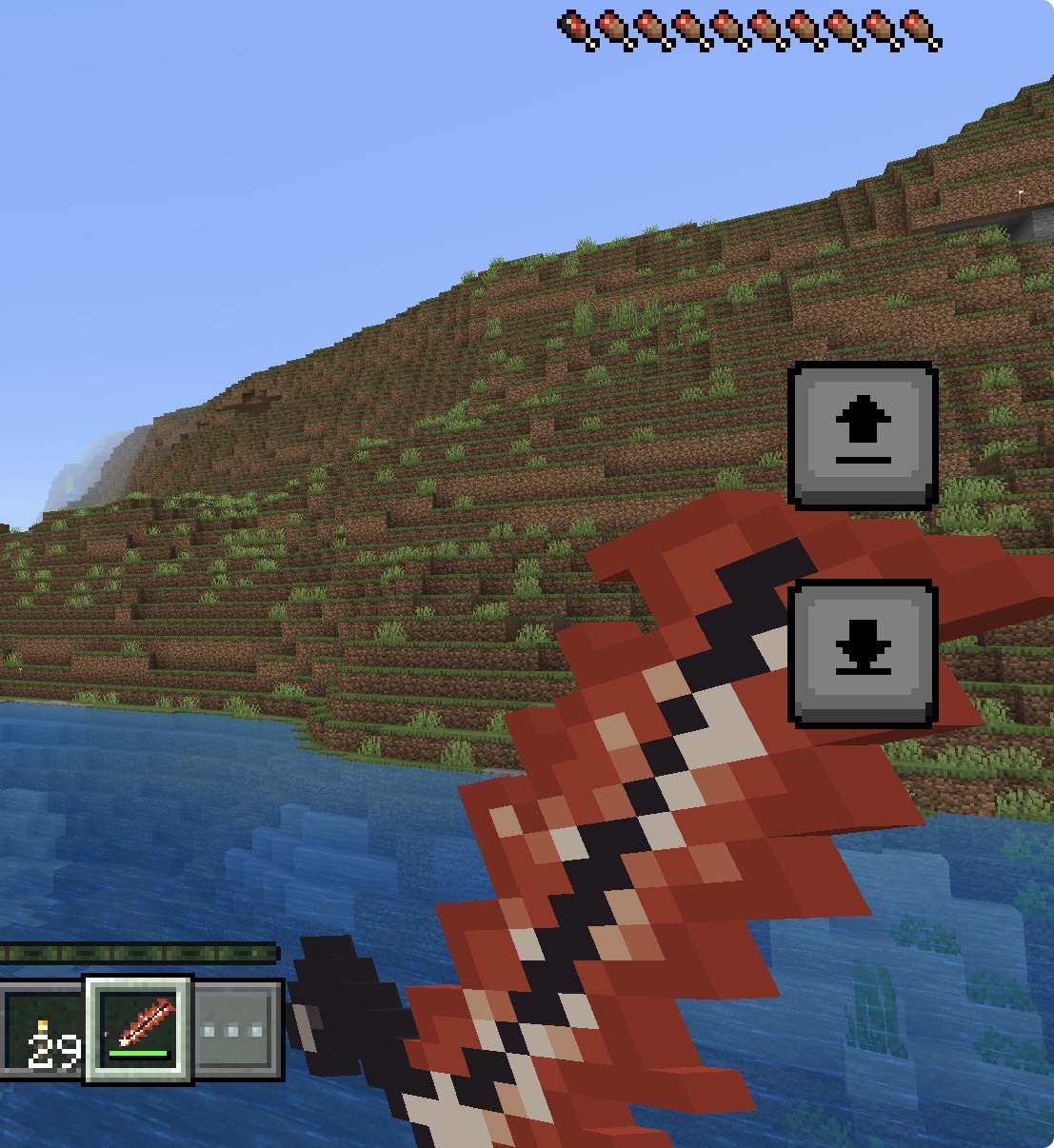
Export swords, pickaxes and food as .mcaddon files. Set a name, stats and a two-ingredient crafting recipe. Swords and pickaxes can also start with selected enchantments.
Export .mcpack files that replace the textures of existing swords, food and other supported items. Reskins retain the original item’s stats.
Remove the paper background, crop the drawing and convert it to 16×16 or 32×32 pixels. Normal editing and previews run in your browser. Optional AI polish sends the cleaned drawing to OpenAI.
¥0
Edit and preview as often as you like. Export a total of 4 works per account as Minecraft files.
¥200 JPY · Tax included · Pay once
A ¥200 purchase removes the work-count limit for new exports on the same account. Includes the current swords, pickaxes, food and reskins.
¥300 / 5 credits
Optional AI polish: one credit per saved candidate. AI works can be exported without buying normal access.
A free use is counted only when a new work’s file is successfully created. Editing, failed exports and downloads of completed works do not use the allowance.
No monthly fee or automatic renewal. Minecraft, Realms and internet costs are not included. Purchased access lasts while this service is provided. Future features and perpetual updates are not promised.
Edit and preview before signing in. Verify your email and sign in when exporting a file. A purchase happens only after you review the details and confirm it on the payment page.
Open the workshop